
Enter the gym with your phone.
You get into the gym straight from the app, at any hour, with no reception desk. All you need is an active membership and the free TTLock app. Setup takes two minutes and you only do it once.
Download TTLock
Search for "TTLock" in the App Store or Google Play and tap Get to install the free app.
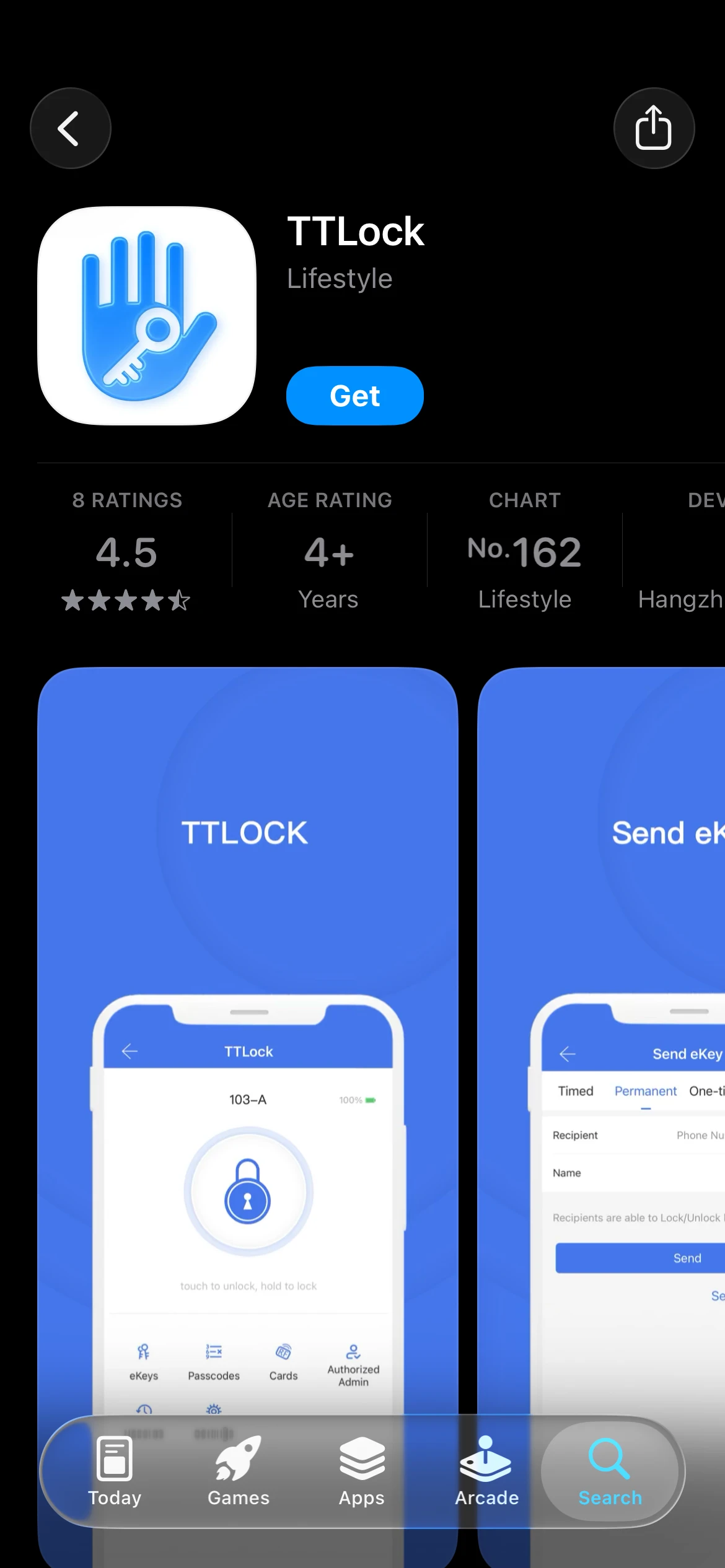
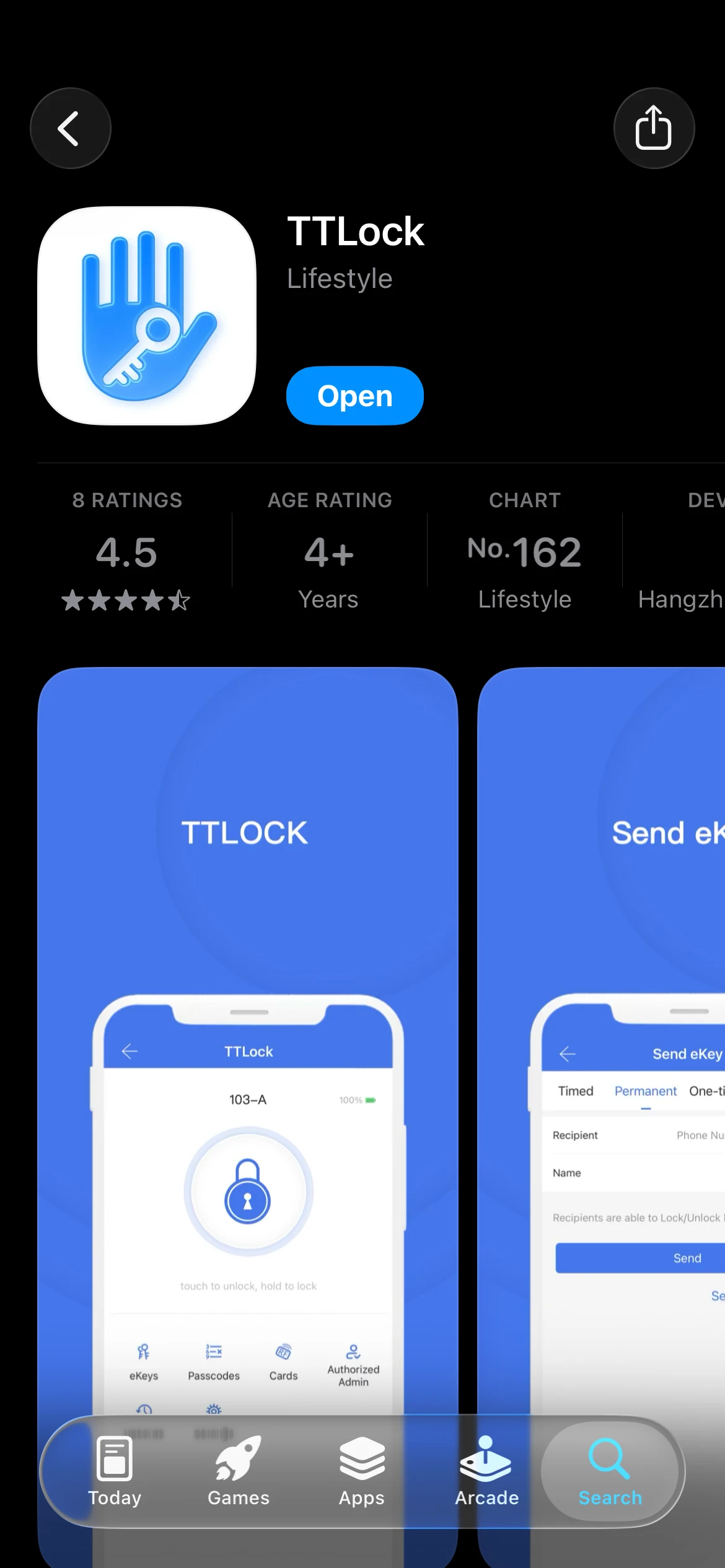
Open the app
Once installed, tap Open to launch the app.
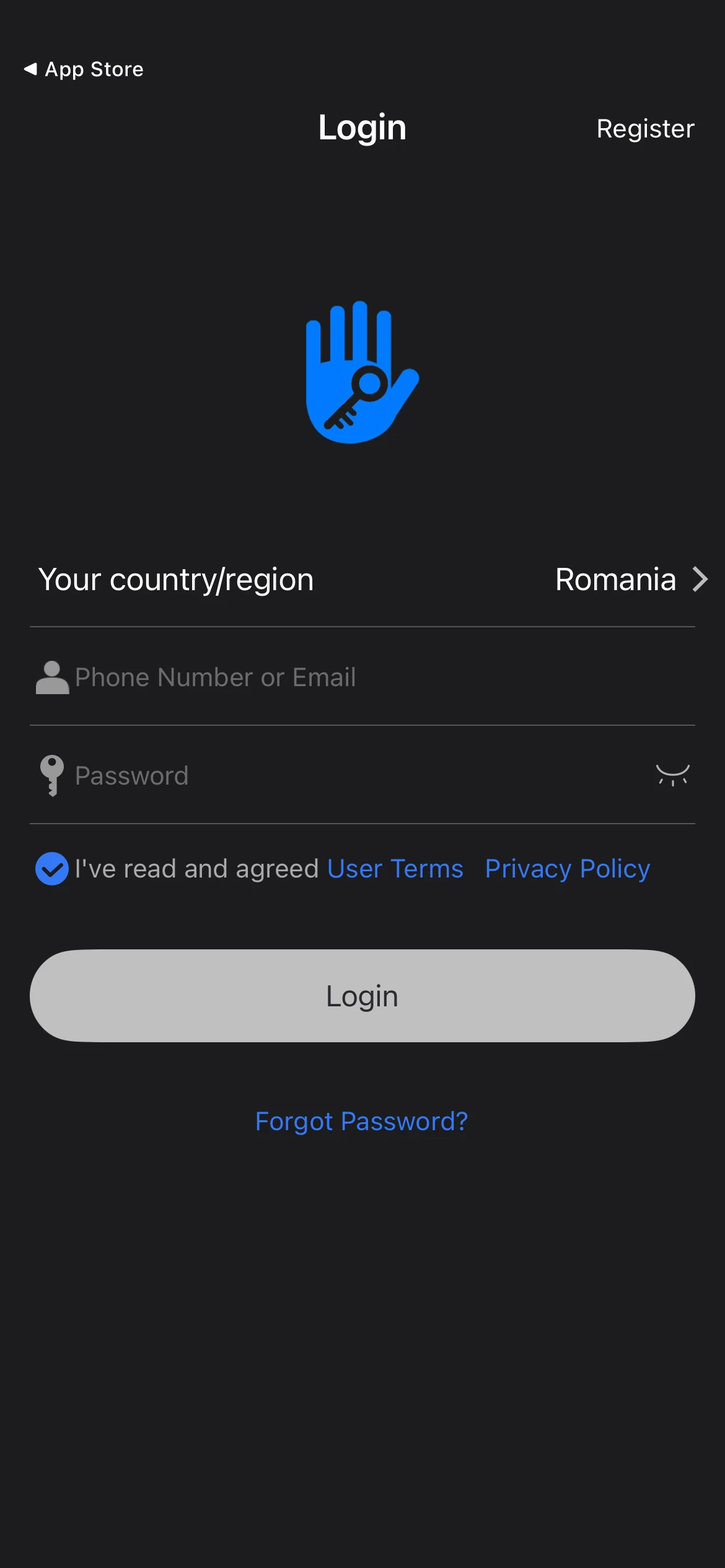
Tap "Register"
On the sign-in screen, tap Register in the top-right corner.
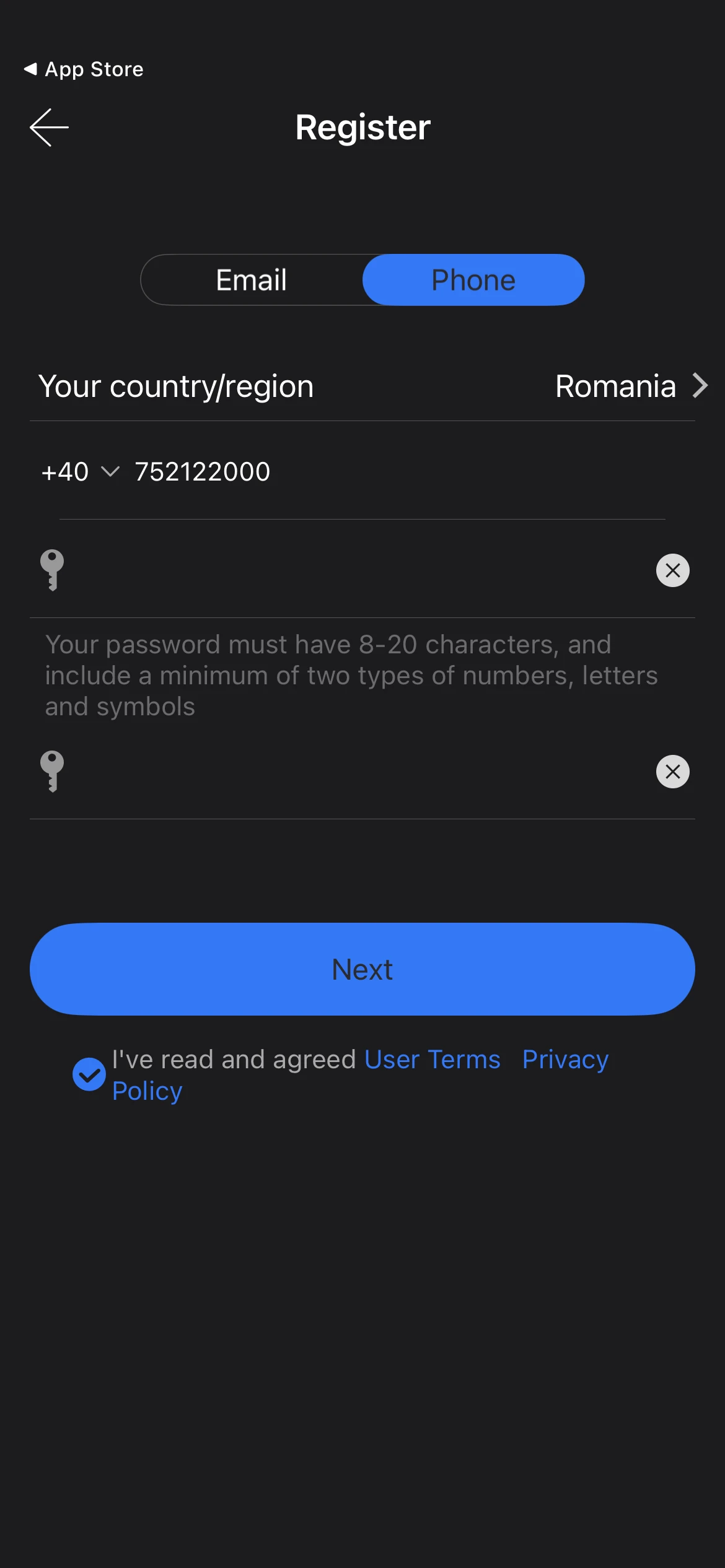
Fill in your account details
Choose the Phone tab, then enter your phone number, a password and its confirmation.
Request the verification code
Select Romania (+40) as your country and tap Get Code to receive the code by SMS.
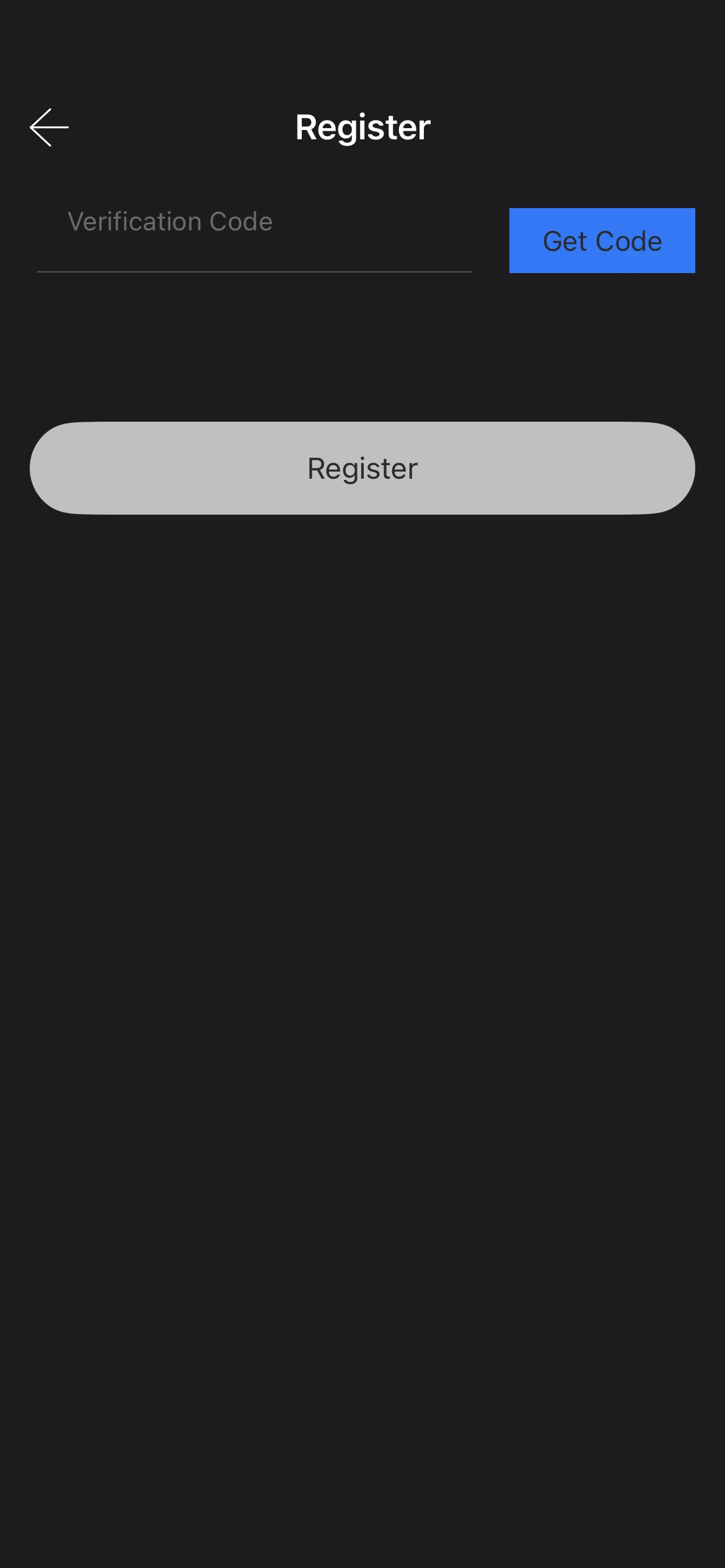
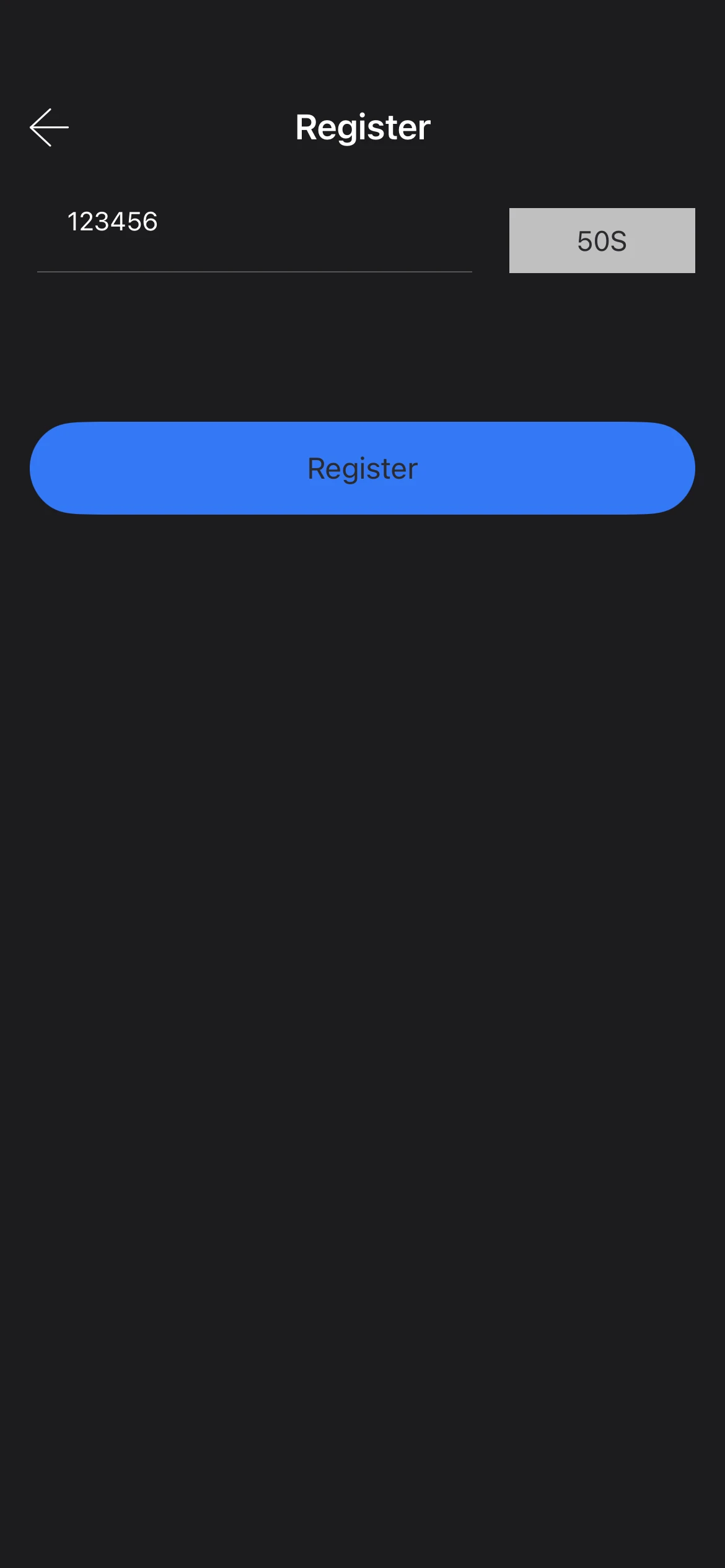
Enter the code and tap "Register"
Type the code you received by SMS into the verification field, then tap Register.
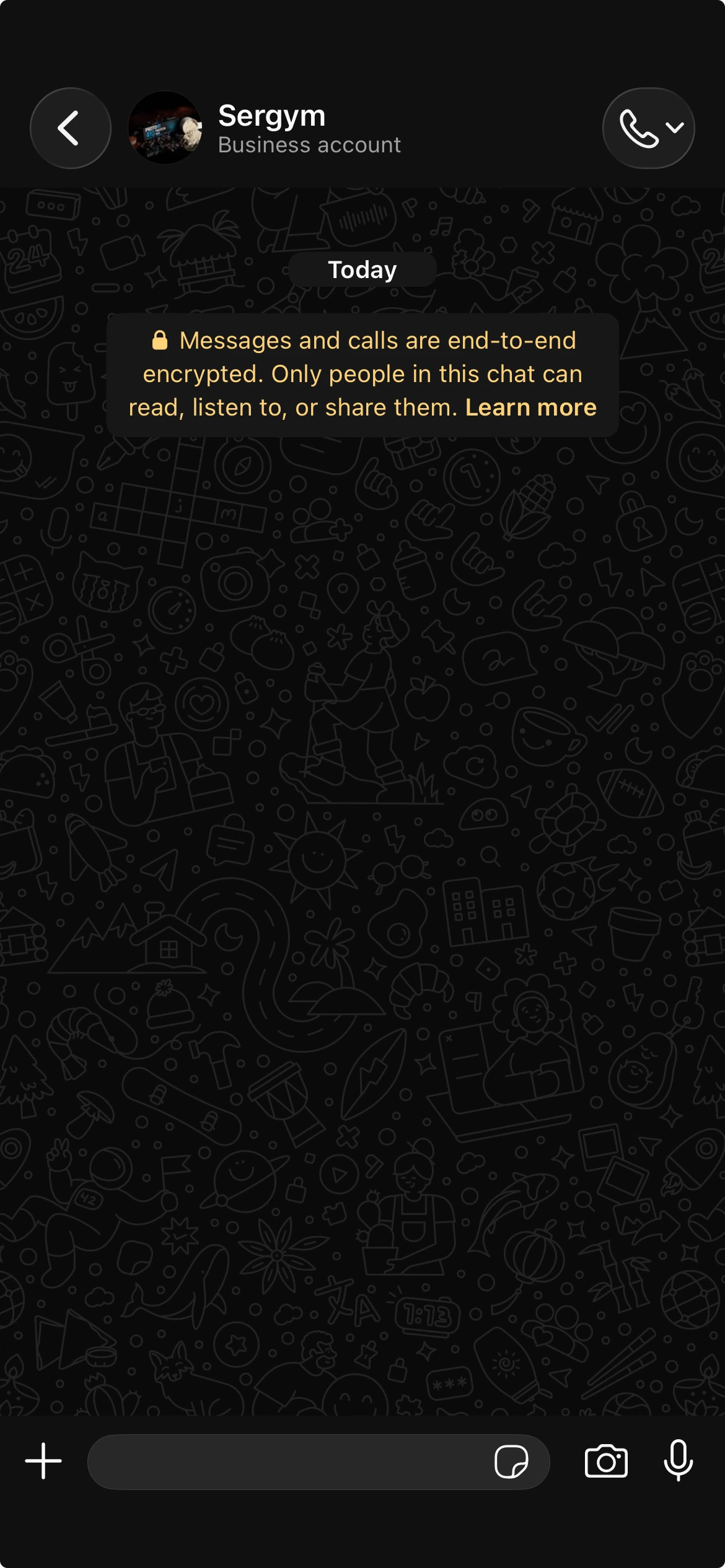
Activate your access
Message us on WhatsApp with the phone number you used to register. We'll activate your access as soon as possible.
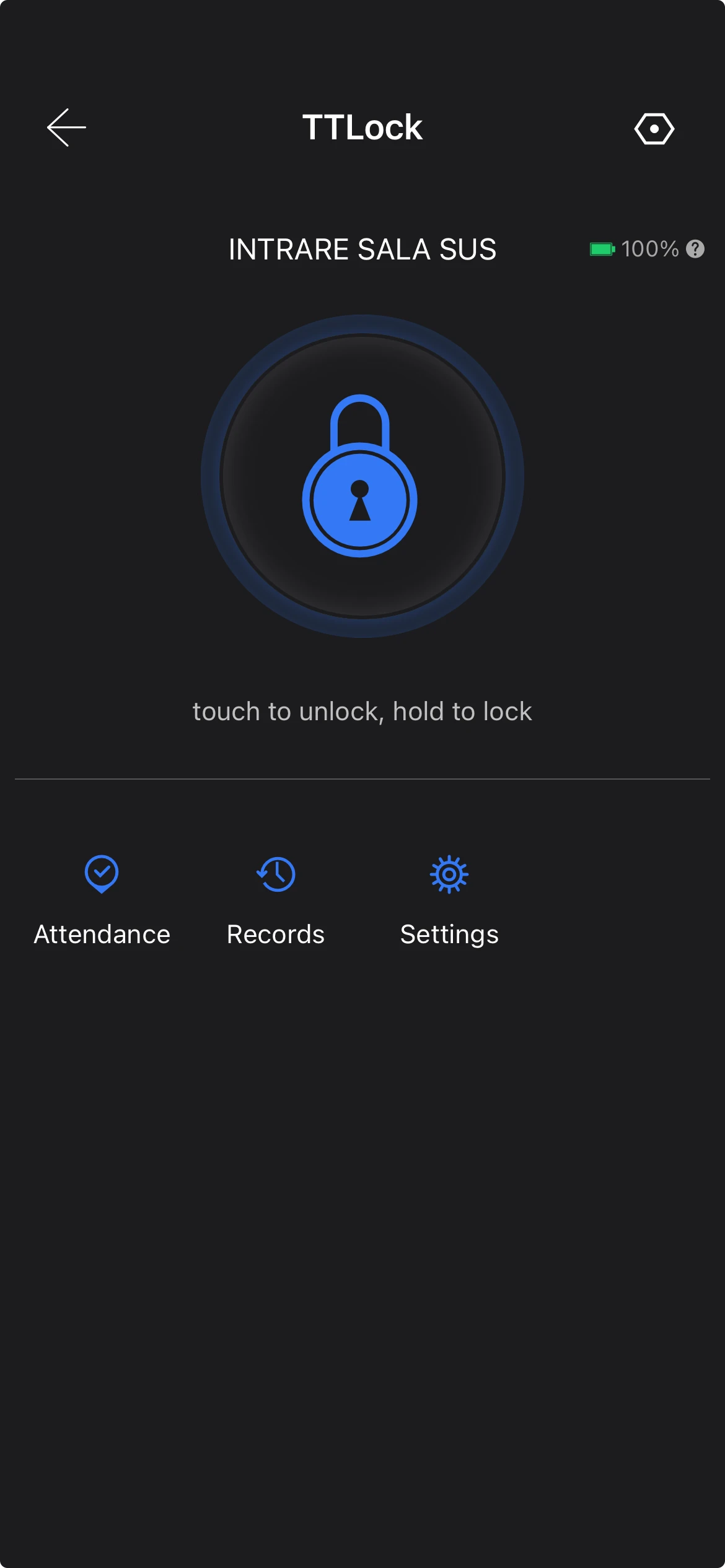
Open the door
Done! Open the gym door straight from the TTLock app, anytime, around the clock.
See how it works
Frequent questions
Do I need an active membership?
Yes. Access is enabled only after your membership is active.
Does it work on Android?
Yes, TTLock is available on Android too. The steps are identical.
I changed my phone. What now?
Reinstall TTLock, sign in with the same account, and message us if anything doesn't work.
Need help with setup?
Message us and we'll walk you through it, or activate your access right away.
Contact us